How to clean Vietnamese text safely
Normalize, trim, deduplicate, and review Vietnamese text in the right order.
Quick answer: Keep an original copy, normalize Unicode to NFC, clean whitespace, then handle duplicate lines. Change case or remove accents only after those reversible steps because both can remove meaningful information.
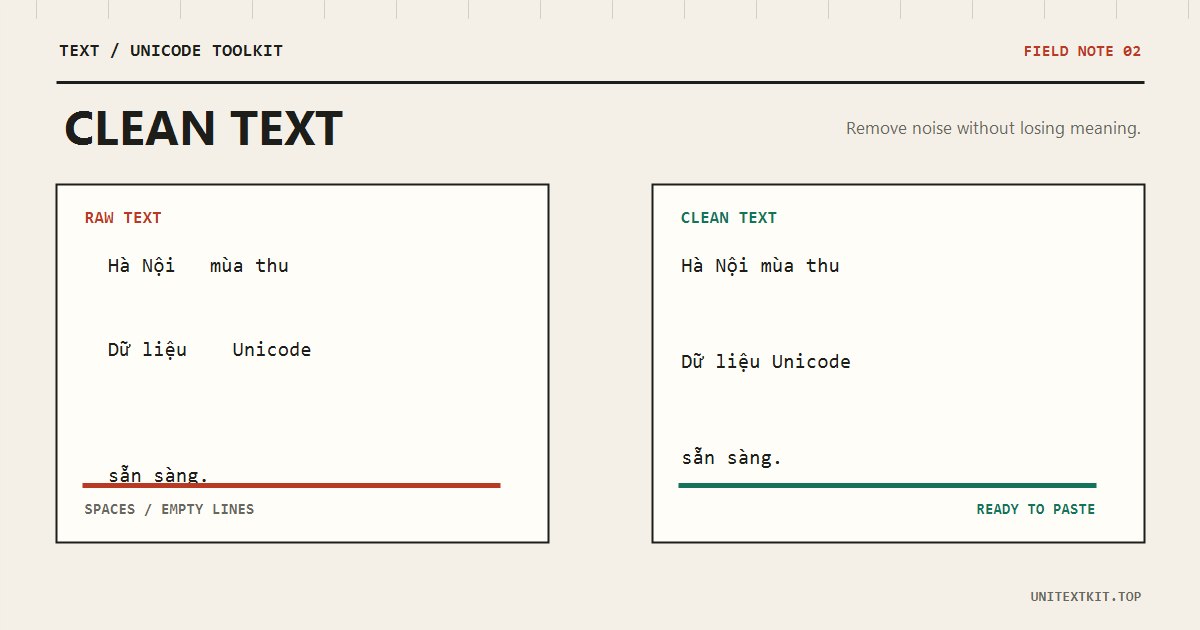
Start with a copy
Copied text can contain decomposed accents, non-breaking spaces, tabs, empty lines, and invisible characters. Work on a duplicate so names, product codes, and formulas can be checked against the source.
Normalize before comparing
Normalize to NFC before search or deduplication. Then trim line edges, collapse repeated spaces, and reduce empty lines. Decide whether case matters before removing duplicates.
Case conversion may damage proper names, and accent removal discards information. Apply them only when the destination requires it.
Before
  Nguyễn  Văn  An


Nguyễn Văn An
After
Nguyễn Văn An

Nguyễn Văn An
Validate a sample
Compare the line count and inspect records from the beginning, middle, and end. Check đ, combining marks, emoji, curly quotes, and numbers separately. Save the result as a new file rather than overwriting the source.
Frequently asked questions
Should accents be removed before deduplication?
Usually no. Doing so can merge different Vietnamese words and names that happen to share the same unaccented form.
Is pasted text uploaded?
No. The tools process it locally in your browser.