How to remove duplicate lines safely
Clean email, keyword, code, and name lists while preserving the original order.
Quick answer: Normalize Unicode and whitespace first, decide whether comparison should be case-sensitive, and keep the first occurrence of each line. Compare line counts and save the result as a new file.
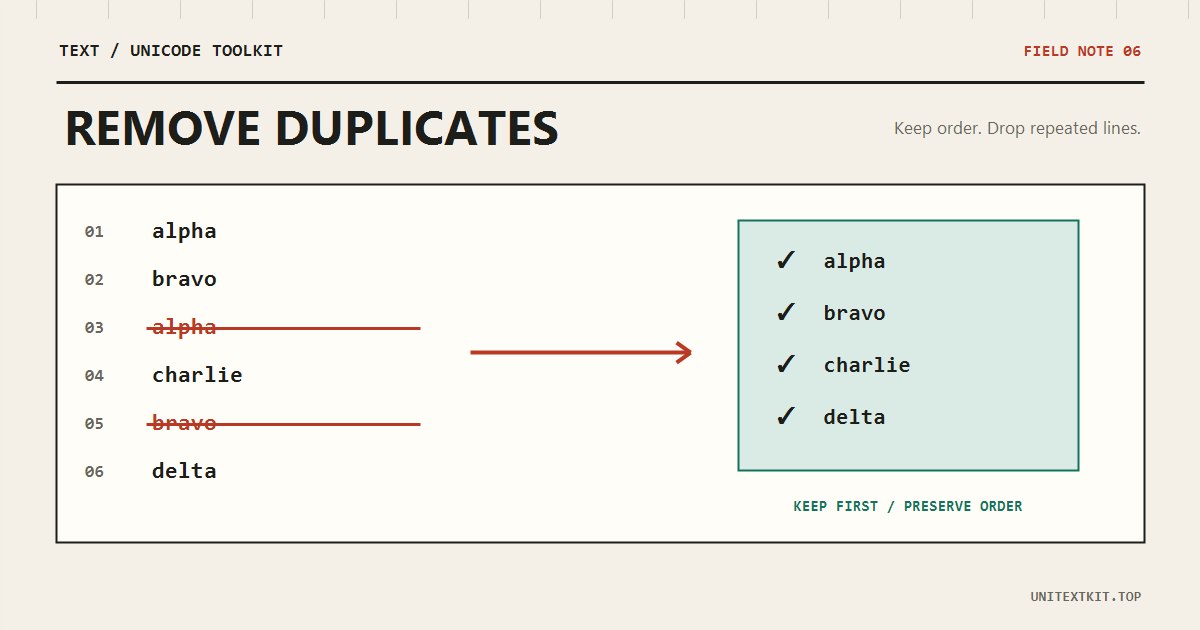
Define duplicate
“ABC” and “abc” may be the same keyword but different technical identifiers. “An” and “An ” differ only by a trailing space. Accented text can also differ in NFC and NFD. The right rule depends on the data.
Preserve or sort?
Keeping the first occurrence is useful for priority lists, logs, and time-ordered input. Sorting first makes visual review easier but destroys the original order. Create a separate sorted copy if both are needed.
Before
orange
apple
orange
pear
After
orange
apple
pear
Pre-export checklist
Review empty lines, removed counts, accented values, and identifiers where case matters. Case-insensitive comparison often suits email lists; tokens and technical codes usually need exact comparison.
Frequently asked questions
Should lines be trimmed first?
Yes for names, emails, and keywords. Avoid it when surrounding spaces have a defined meaning.
Is the list uploaded?
No. Deduplication runs in your browser.