Invisible Unicode characters and zero-width spaces
Find why identical-looking strings may fail to match or deduplicate.
Quick answer: Invisible characters are code points with no obvious visual mark, such as zero-width space U+200B and non-breaking space U+00A0. They can alter length, search, login, and duplicate detection while the text looks normal.
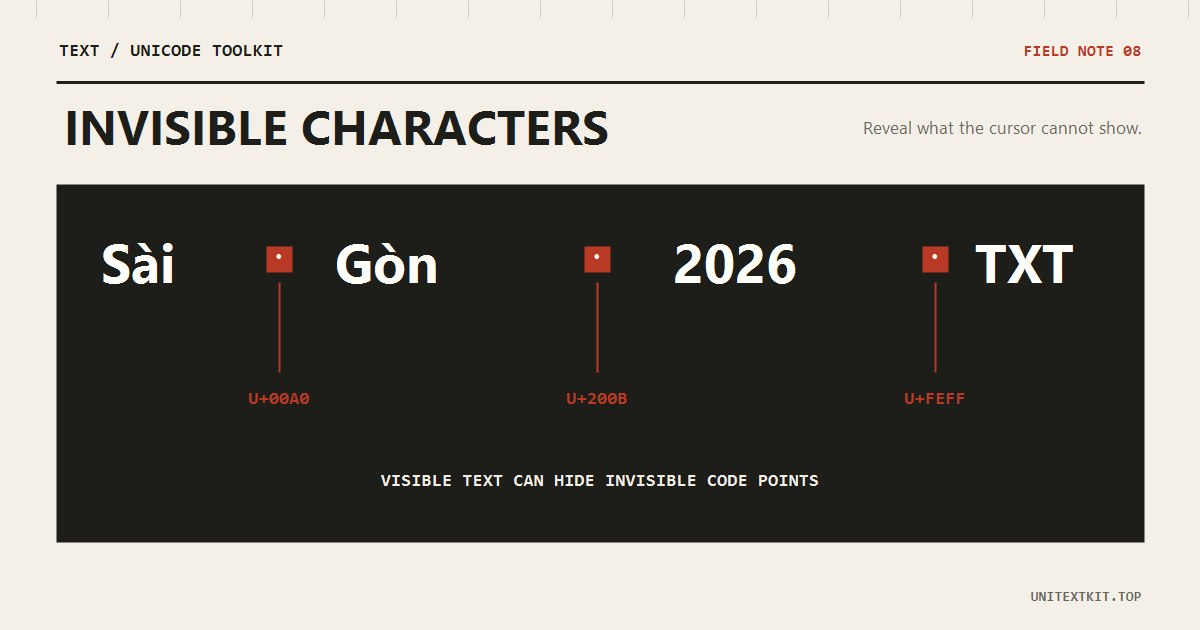
Common invisible characters
U+200B is a zero-width space; U+200D is a zero-width joiner used in many emoji sequences; U+00A0 is a non-breaking space; U+FEFF can be a byte-order mark. Do not delete all of them blindly because joiners can be required for correct display.
Warning signs
The stored length exceeds what you can see, search fails, a duplicate remains, or the cursor stops at an apparently empty position. Text copied from PDFs, websites, and chat apps commonly carries these characters.
Before
unitext[U+200B]kit
After
unitextkit
Safe handling
Inspect code points first. A non-breaking space in ordinary prose can often become a regular space; a zero-width space can be removed when it has no word-boundary purpose; a zero-width joiner should stay in emoji and scripts that need it. Review the rendered result after any change.
Frequently asked questions
Does NFC remove zero-width spaces?
No. Unicode normalization does not act as an invisible-character cleaner.
Can every U+200D be removed?
No. Removing it can split family, profession, and other emoji sequences or affect some writing systems.