Unicode homoglyphs: same appearance, different characters
Identify look-alike characters in domains, usernames, codes, and copied text.
Quick answer: Homoglyphs are characters that look alike but have different code points, such as Latin “a” and Cyrillic “а”. They can break string matching and can be abused to imitate trusted domains or account names.
A difference that is hard to see
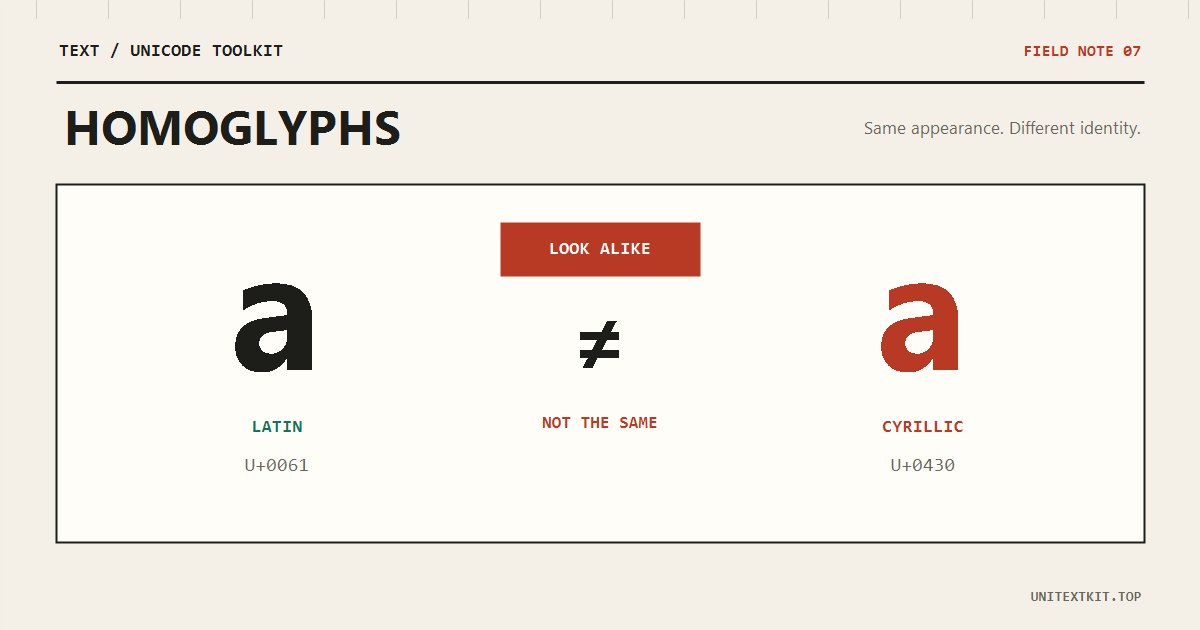
Latin a is U+0061; Cyrillic а is U+0430. Many fonts draw them almost identically. A familiar brand name can contain characters from another script and still look convincing at a glance.
Before
a — LATIN SMALL LETTER A — U+0061
After
а — CYRILLIC SMALL LETTER A — U+0430
Normalization is not a complete fix
NFC and NFKC resolve some equivalent or compatibility forms, but they do not turn all Cyrillic letters into Latin because those letters are valid in their own languages. Detection requires code-point, script, and context checks.
Inspect suspicious strings
Paste the string into the Unicode normalizer and inspect every code point. Take extra care with domains, wallet addresses, usernames, and codes received from untrusted sources. Do not rely on appearance alone for authentication or payments.
Frequently asked questions
Are homoglyphs always malicious?
No. Different writing systems naturally contain similar shapes. Risk comes from deceptive mixing.
Does accent removal detect homoglyphs?
No. Removing marks does not convert Cyrillic letters to Latin.